Turn your phone into a digital magnifier.
Magnifier
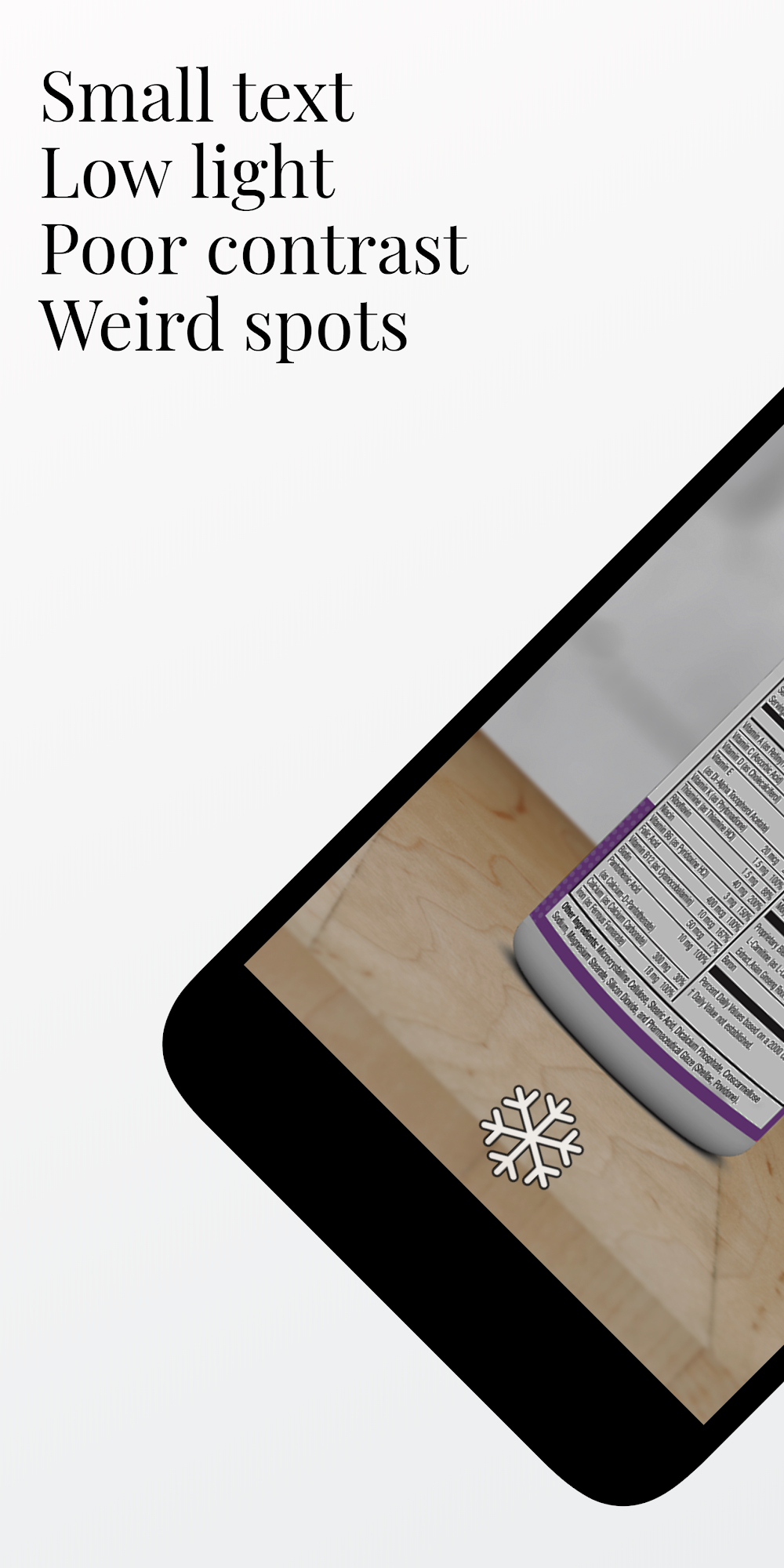
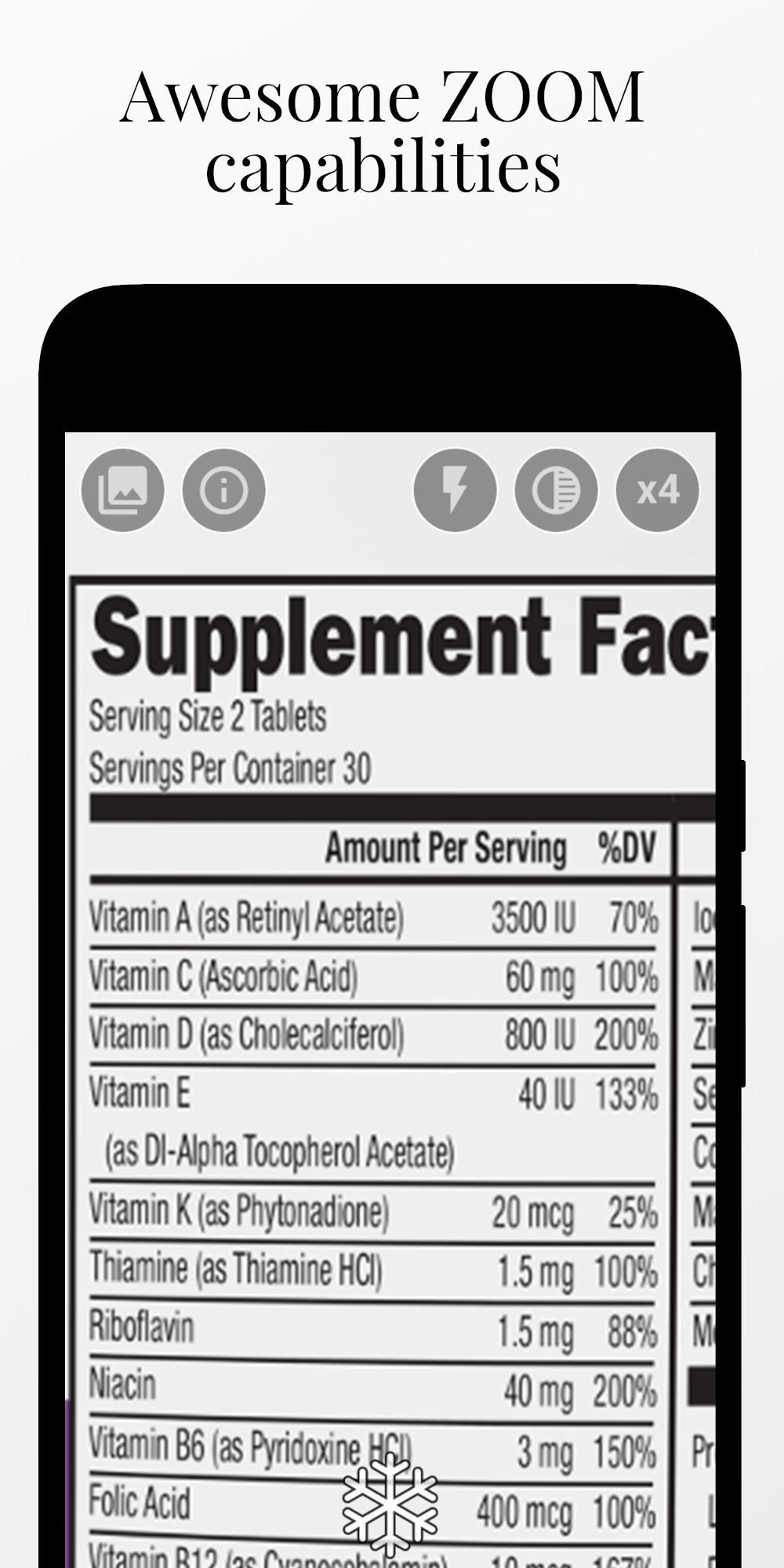
Read tiny print on menus, medicine bottles, and labels comfortably with bright LED flashlight zoom controls and negative contrast filters.
See it in action
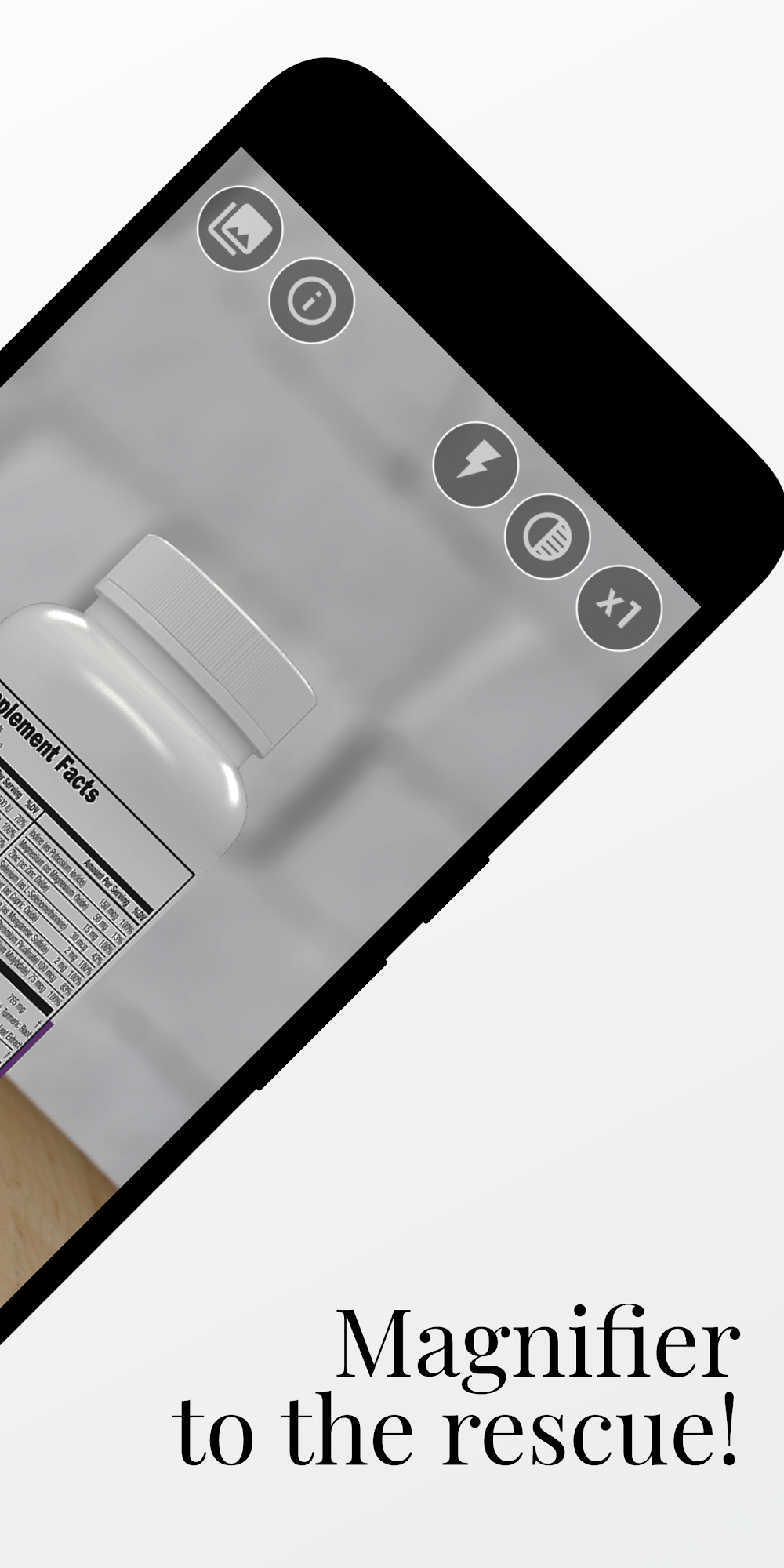
Clear vision at any scale
Thoughtful additions to turn your camera into a tool for daily accessibility.
High Magnification Zoom
Smooth zoom sliders to magnify tiny details, serial numbers, or texts.
Built-in Flashlight
Light up menus and labels in dim restaurants or dark corners with LED torch help.
Freeze Frame
Capture and hold the text so you can read comfortably without holding the device still.
High-Contrast Filter Modes
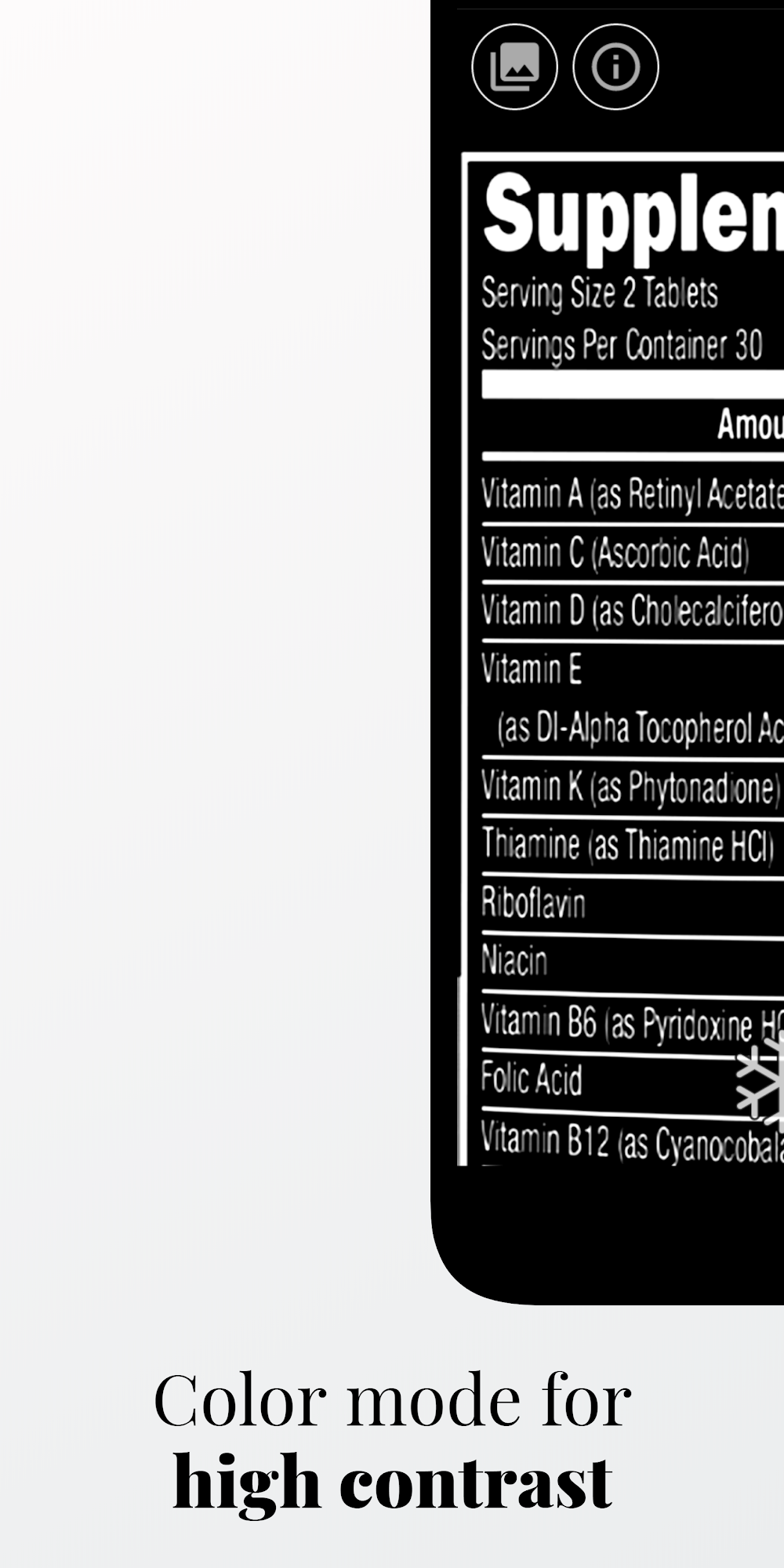
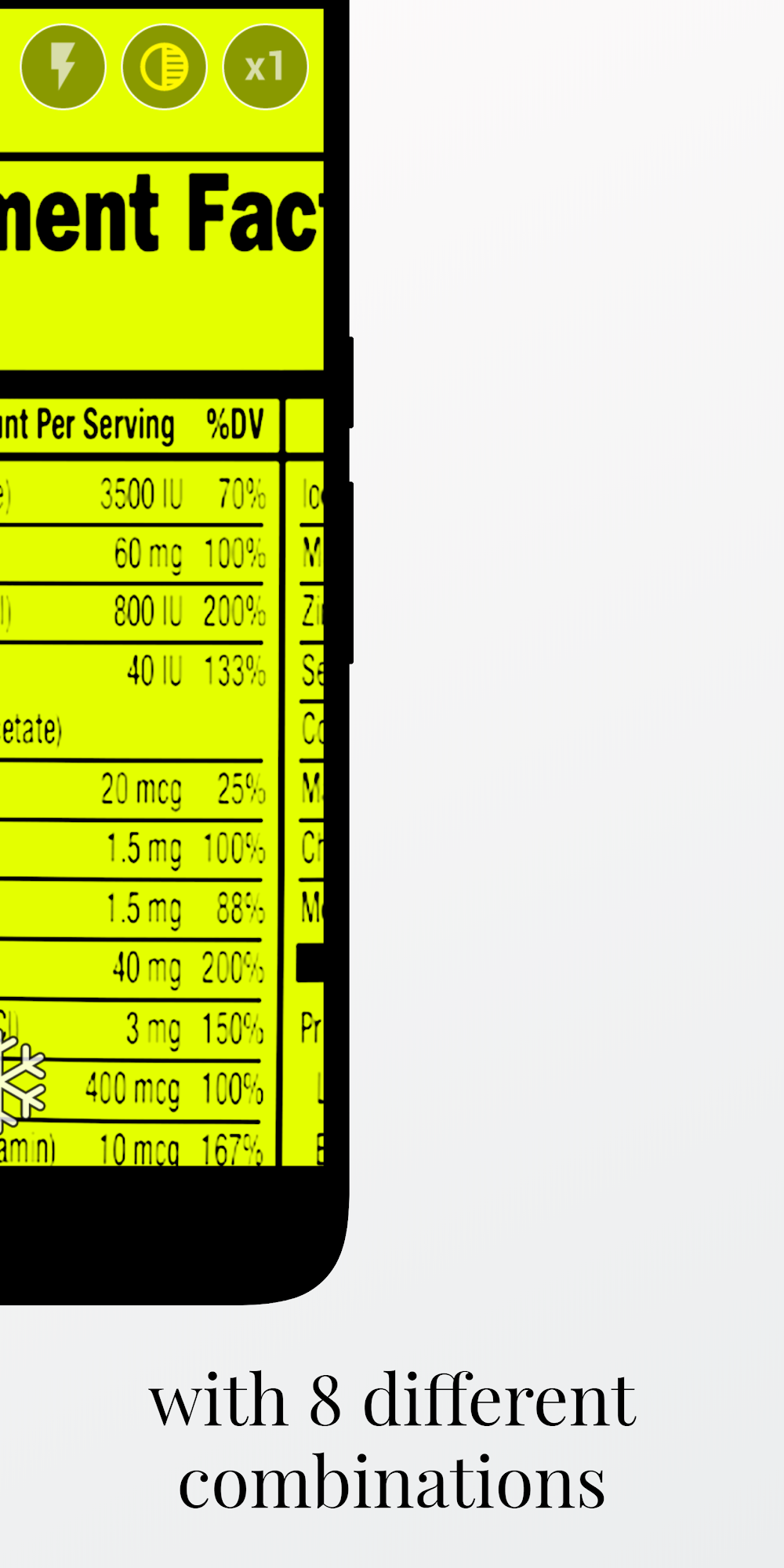
Increase readability using negative, monochrome, or customized color filters.
Capture & Save
Save important magnified snapshots directly to your gallery for archive or sharing.
Zero Bloat
Starts in milliseconds. It does not contain complex setup steps or heavy modules.
What Magnifier users say
“Crucial tool for reading small print on medicine bottles. The flashlight integration is perfect. Simple and does exactly what it says.”
“Super clear zoom! I use it for reading menu cards in dim restaurants. The freeze button is so handy for taking a snapshot and reading it comfortably.”
“Excellent magnifying glass app. The image stabilization is quite good and the contrast filter helps a lot with small text.”
Get Magnifier free on Google Play
Keep a powerful magnifying glass one tap away in your pocket.