Your pocket mirror, perfected.
Mirror
Lightweight and fast, with all the features you need in a mirror — and a few you didn't know you wanted.
See it in action
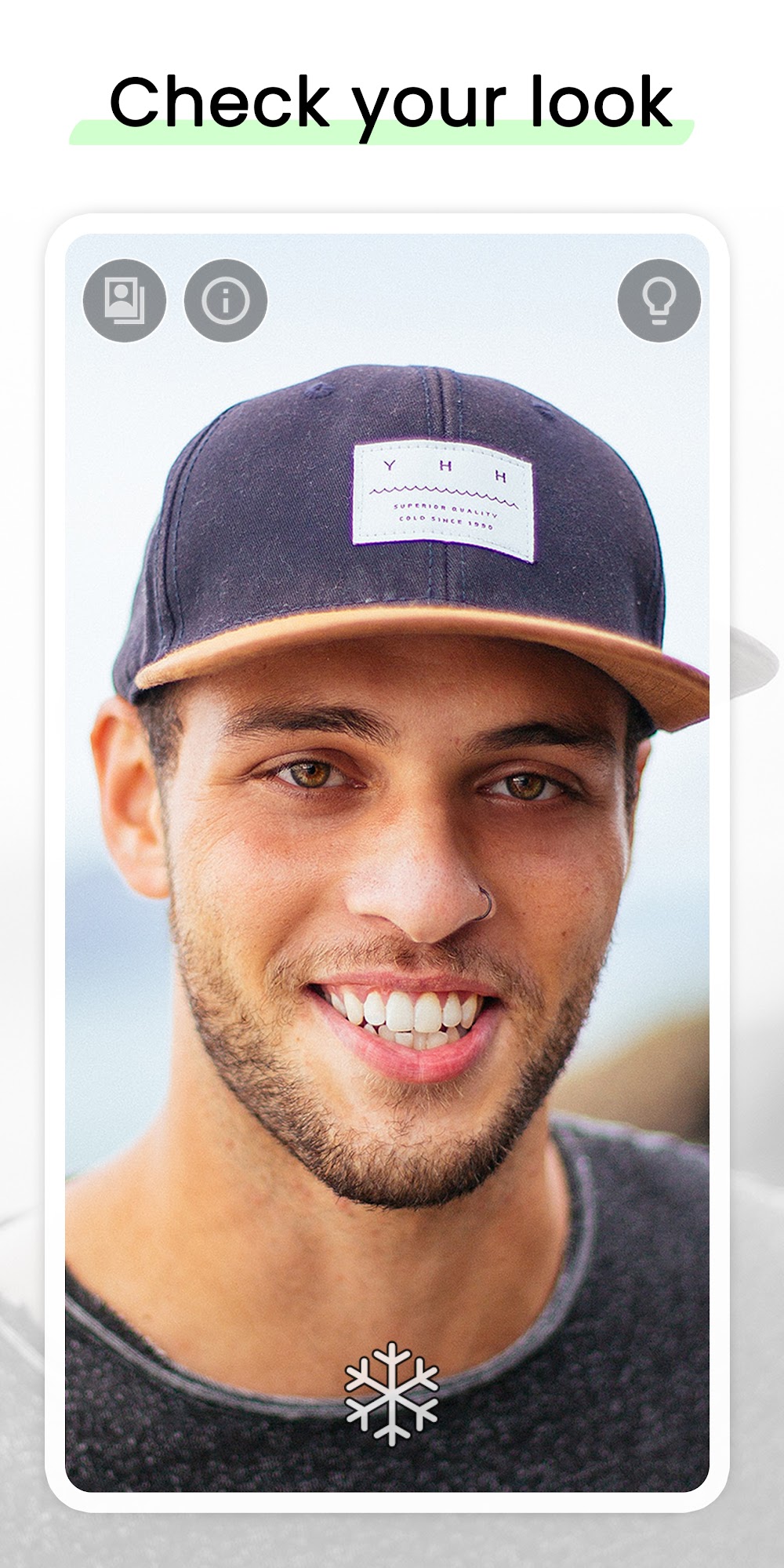
Everything a mirror should be
Thoughtful details that make checking your look quick and effortless, day or night.
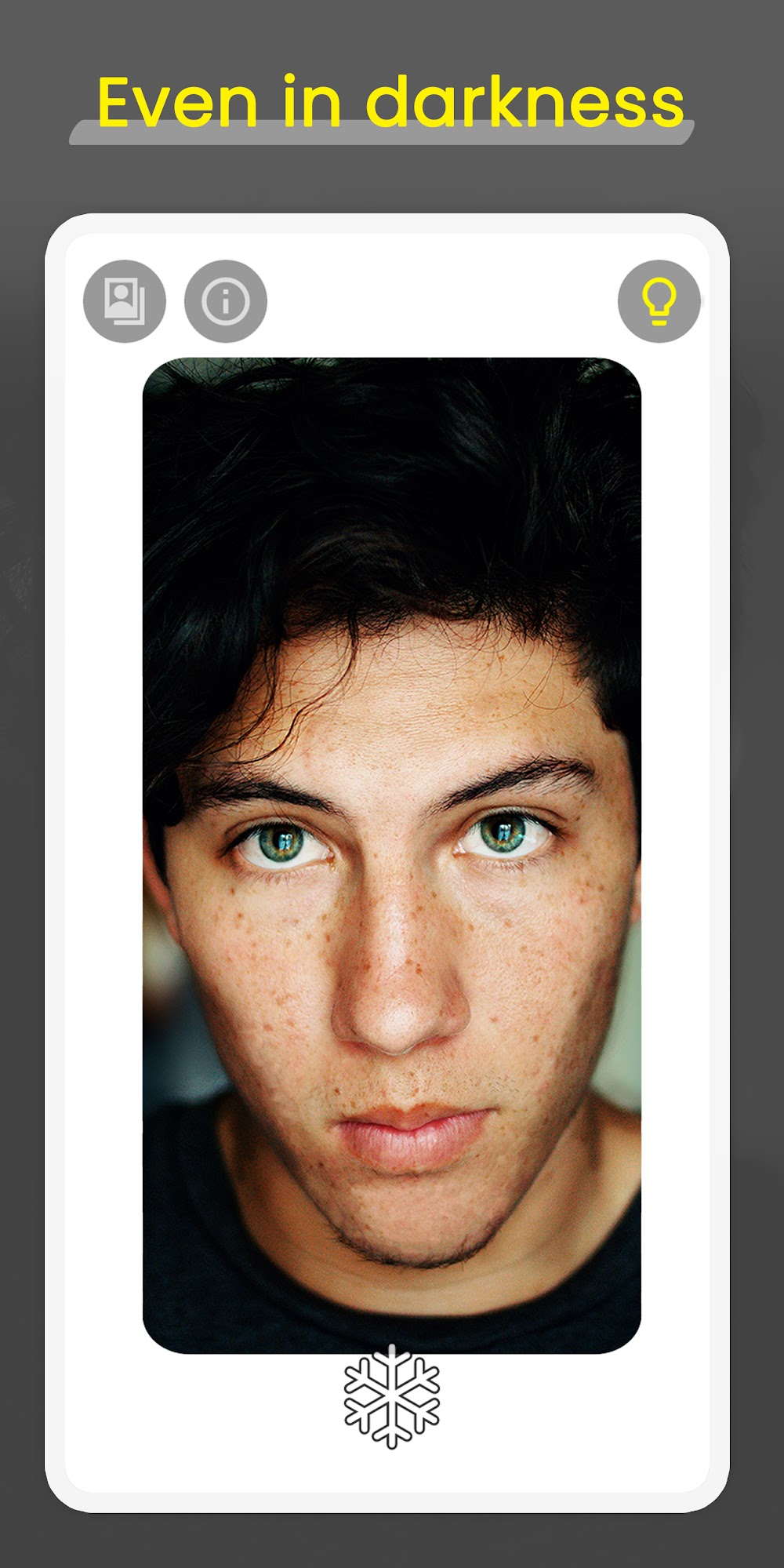
Lighting frame
Turn on the illuminated frame and see yourself clearly even in total darkness.
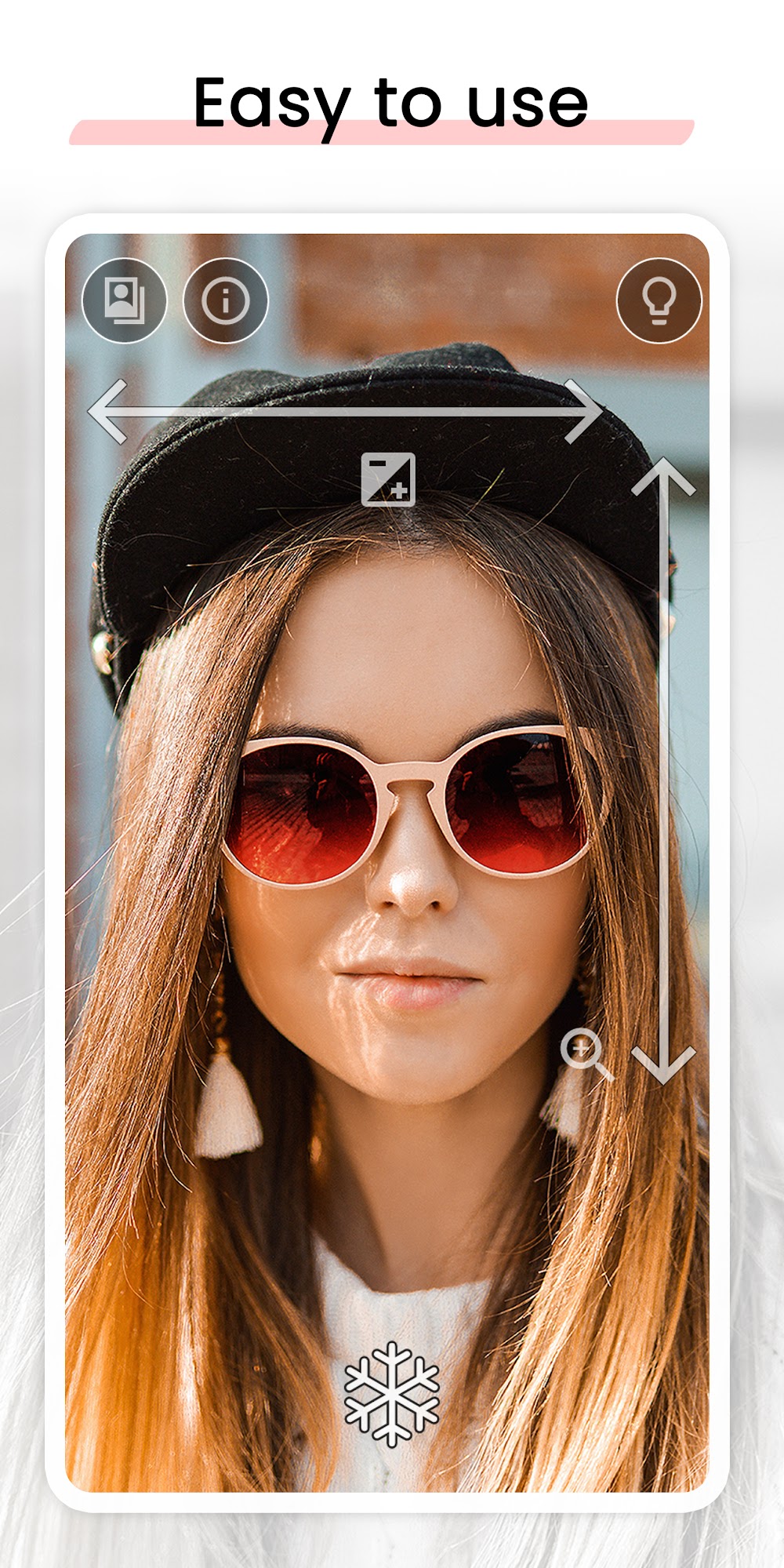
Simple gestures
Control zoom and exposure with a natural swipe — no fiddly buttons.
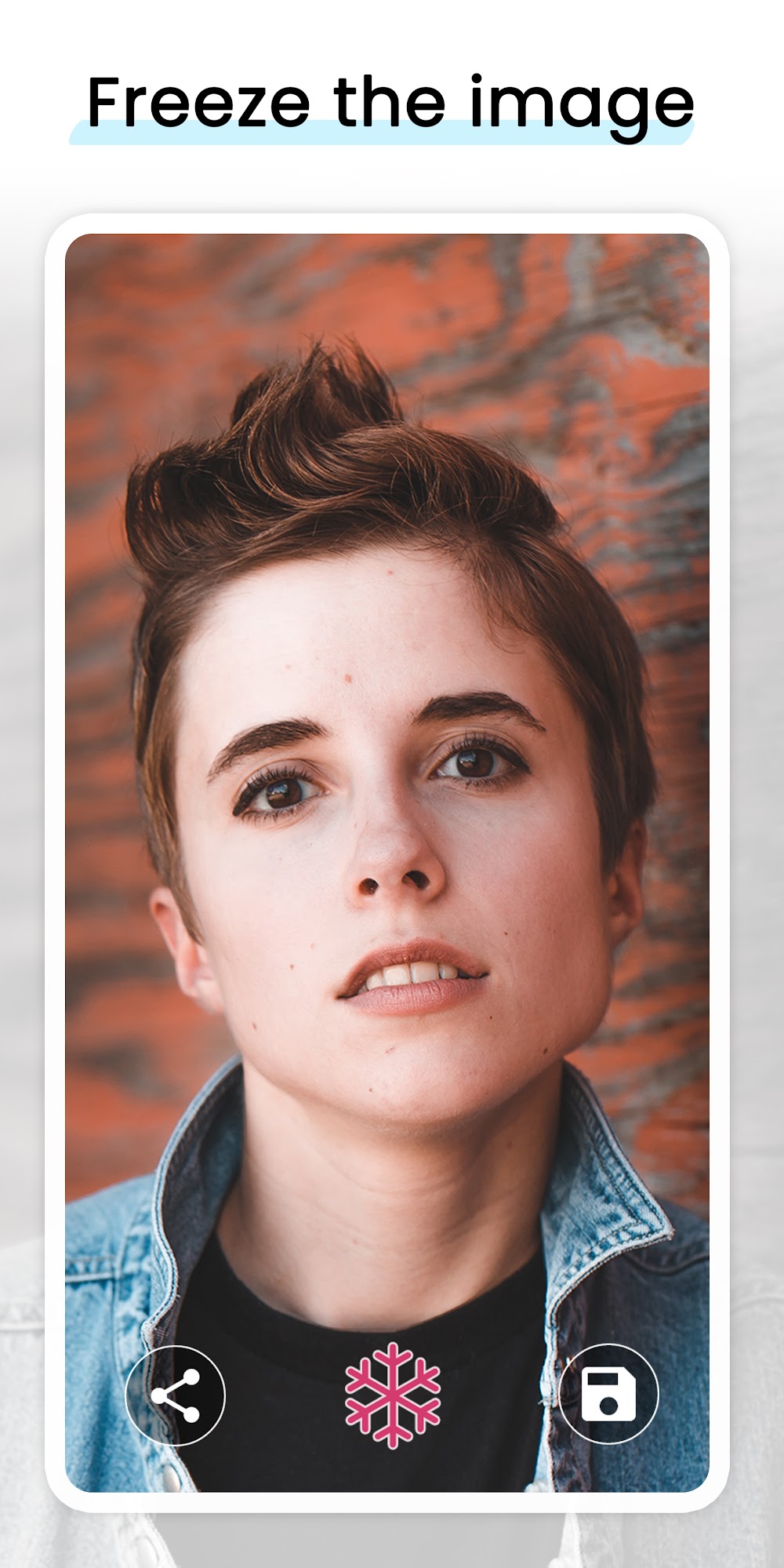
Freeze the image
Freeze the view to inspect your look without snapping unnecessary photos.
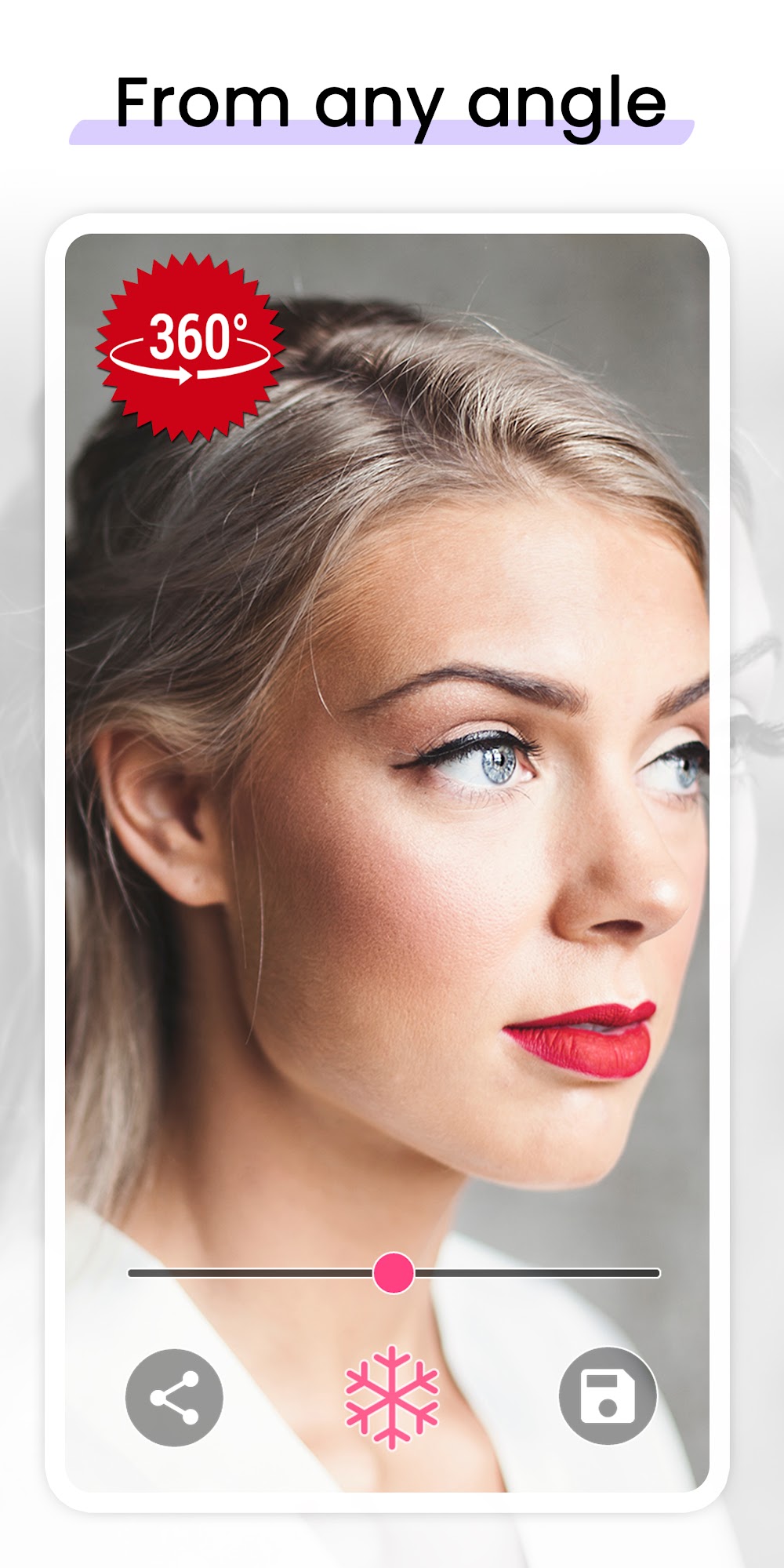
From any angle
Check your look from every angle with a true fullscreen 360º view.
Improved visibility
Brightness and exposure tuning let you see yourself clearly on any occasion.
Fast & lightweight
Opens instantly and stays out of your way — a tiny app that just works.
What Mirror users say
“Best mirror app I've used. The zoom and brightness controls are perfect. The screen light border is really helpful in dark environments!”
“Very simple and clean. Doesn't freeze like other apps. The freeze frame feature is excellent for looking at the back of your head.”
“It's so much better than using the default front camera. It actually feels like a real mirror. Highly recommended!”
Get Mirror free on Google Play
Join over a million people who keep Mirror one tap away.